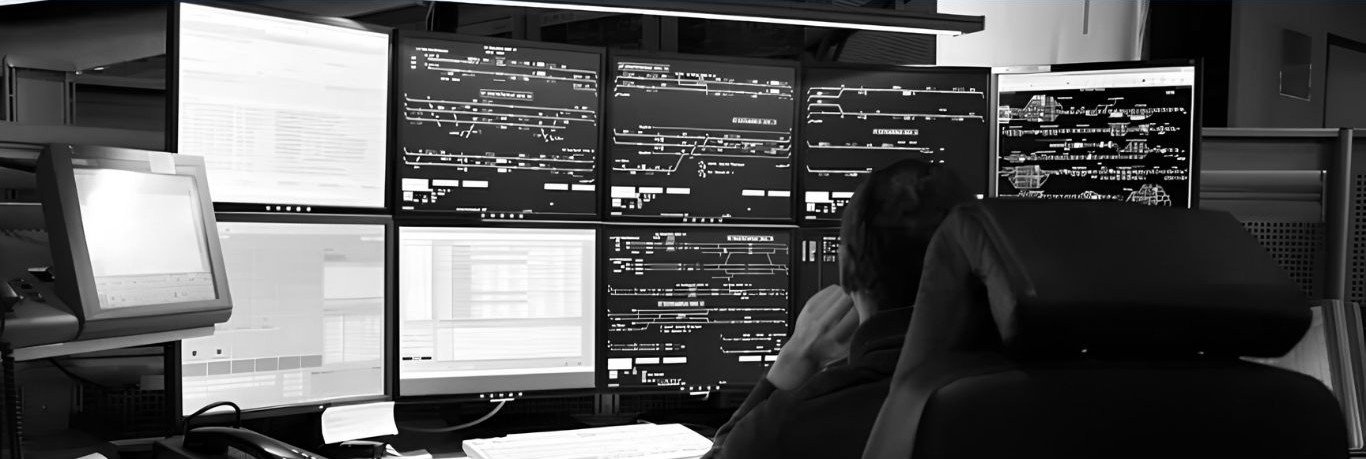
Dispatch support means someone outside your field crew handles the scheduling work inside your Jobber account. The phrase turns up often in outsourcing pitches. It usually comes without much detail about what the person does all day, or what they can see in your account.
This post walks through the work itself, the access it takes, and the parts most shops keep in house.
The U.S. Department of Labor has a standard definition for the role. A dispatcher schedules and sends out workers, crews, equipment, or service vehicles for service and repair work away from the office. The same description covers passing along assignments by phone or computer and keeping records of how the work is going (O*NET, occupation 43-5032).
Jobber’s own help documentation covers the same ground. It describes the dispatcher as the person who handles incoming requests and books the work. The role also makes sure the crew knows what to do once they reach the site (Jobber Help Center).
Dispatch support is that job, done by someone who is not sitting in your office. The Jobber account stays yours, and the person works inside it as one of your users.
Office roles compete with field roles for the same payroll dollars, and both are hard to staff right now. In July 2026, 36% of small business owners told the National Federation of Independent Business they had job openings they could not fill. Openings for skilled workers sat at 31% (NFIB Jobs Report, August 6, 2026).
Hiring conditions vary by market and by month, so this is context rather than a reason on its own.
Most of a dispatcher’s day sits in four places in Jobber: requests, the schedule, jobs, and client records. The tasks usually include the following.
Much of this happens while the person is on the phone with a customer, so the role needs steady phone skills alongside the software knowledge.
Jobber has four preset permission levels, plus a separate admin setting. As of the August 2026 update, the presets are Field crew, Senior field crew, Crew lead, and Manager. Crew lead is the first level that can view and change everyone’s schedule. Manager adds reports, marketing tools, and the sales pipeline where your plan includes them. Neither one can add team members or change account settings (Jobber Help Center).
Admin is a checkbox above the presets. Admin users reach company settings, billing, team management, and payroll confirmation. Most shops do not hand that to an outside dispatcher, and the role does not require it.
Beyond the presets, permissions can be set item by item. The settings that matter most for dispatch work are:
Two housekeeping points. User limits vary by plan, and extra seats can be bought inside the account. If a dispatcher leaves, deactivate the user rather than delete it. Deleting also removes that person’s past activity from your records (Jobber Help Center). Every user should have their own login with two-step verification turned on. Shared logins make it hard to tell who changed what.
A dispatcher runs the board. These decisions normally sit with the owner or the office manager:
Writing these down before the first shift keeps the dispatcher from guessing on the phone.
Teams that run this well usually agree on the following before anyone touches the calendar:
The two overlap, and vendors do not always separate them. Call answering covers the phone being picked up and a message being taken. Dispatch covers what happens to the calendar afterward, including the right technician, the right arrival window, and the right instructions on the job. A service can offer one without the other. Jobber also sells an AI receptionist for after-hours calls (Jobber Help Center). Some shops pair that with a person handling dispatch during the day.
It is worth asking a provider which of the two they are quoting for.
You may be weighing this against hiring in house, or against splitting the work between the two. The dispatch outsourcing guide covers the trade-offs, the setup steps, and what the first ninety days usually look like.