
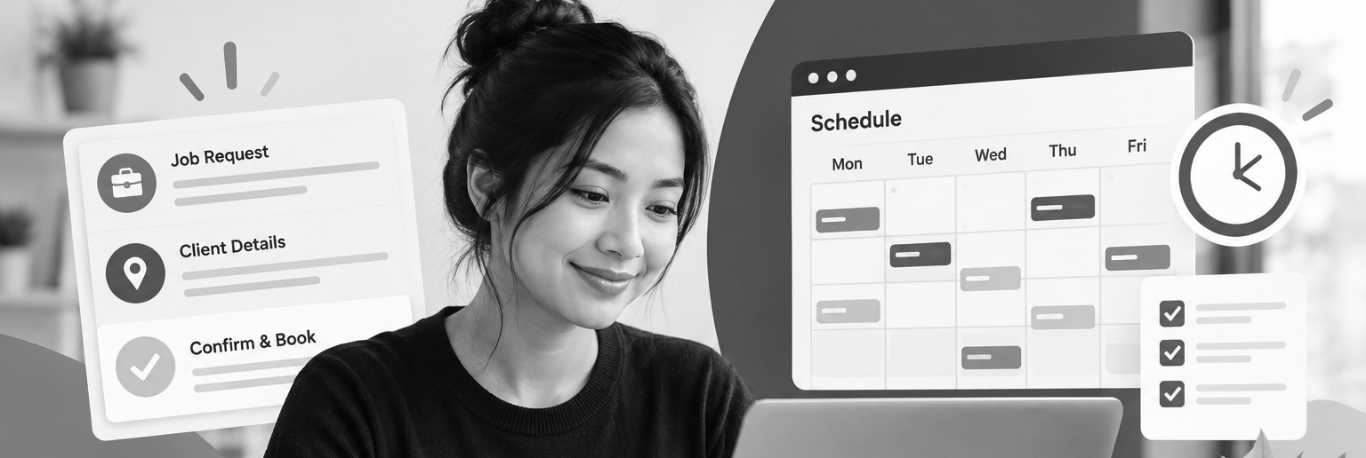
Booking a job remotely means the person taking the call sits somewhere other than your shop. They answer, collect the details, check the calendar, and put the visit on the schedule. It is the same task a front desk handles. The location is the part that changes.
Setting it up for a repair or property maintenance business comes down to four things: what gets collected on the call, how requests are sorted, how the appointment is confirmed, and what gets checked once it is running. The same setup works whether the booking is done by a staff member at home, someone covering evenings, or an outside team.
A remote booking role usually covers six steps.
Write down the fields that have to be filled in before a job goes on the calendar. A short list works better than a long one, since anything on it has to be asked on every call.
A workable starting list:
Property management accounts usually need two more fields: the tenant’s direct number, and the dollar limit the manager has already approved for work of that type. Both save a callback later.
Then decide what happens when a field cannot be filled. Some gaps are fine to book around. Others should hold the request until someone follows up. The person booking needs to know which is which, in writing.
Remote booking works when the calendar is shared and current. That can be field service software or a shared calendar, as long as it is the same one the techs are working from.
Set the rules inside it:
Then set permissions. The person booking can usually add and move jobs inside those rules. Anything outside them goes to a dispatcher or to you. This keeps the calendar accurate and keeps scheduling decisions with the people who own them.
Each category gets a target response time, agreed before anyone starts taking calls.
Review the log monthly. When a category keeps getting misread, the wording of the category is usually what needs changing.
A few calls need to stop before scheduling starts.
Federal pipeline safety guidance from PHMSA tells anyone who smells gas to leave the area, avoid anything that could create a spark, including phones and light switches, and call 911 from a safe distance (PHMSA, Recognizing and Responding to Pipeline Emergencies).
Give the person taking calls a short list with the exact words to use:
Once the immediate risk is handled, the follow up visit can be booked normally. Keep this list on one page, and go through it during onboarding.
Invoca’s 2026 home services report, drawn from calls running through its platform, found that 55% of home services businesses do not ask the caller to book the job (Invoca Home Services Lead Conversion Benchmarks Report 2026). The same report puts the answer rate across home services at 52% of all inbound calls, rising to 65% for calls longer than 15 seconds and 73% for calls over 30 seconds. Answer rates by trade run from 32% to 74%.
Offer two specific windows, confirm one, then read the details back. Something like: “I have Thursday between 8 and 10, or Friday between 1 and 3. Which one works better?” Scripts that end with an open question, such as asking the customer to call back once they have decided, tend to end without a booking.
A Harvard Business Review audit of 2,241 US companies submitted test inquiries and measured how long each firm took to make contact. It found that 37% responded within an hour, 24% took more than a day, and 23% never responded at all. Among those that did respond, the average was 42 hours (Oldroyd, McElherna, and Elkington, Harvard Business Review, 2011). The study covered web inquiries at US firms and was published in 2011. It is not a home services benchmark.
For repair work the window is usually shorter, because a customer with a broken furnace tends to call the next company on the list.
Set two rules. Every missed call gets a callback and a text, and someone owns that queue by name. Every web form gets a reply inside a set number of minutes during business hours. Put the number in writing so it can be checked.
A confirmation sent by text or email should include the date, the arrival window, the first name of the tech if it is known, what the visit covers, your trip or diagnostic policy, anything the customer needs to do beforehand, and how to reschedule.
Send a second reminder the day before, and ask for a short reply to confirm. When nobody replies, call before sending a tech.
Card details. Guidance from the PCI Security Standards Council on telephone based payments is clear that card security codes cannot be kept after a transaction is authorized, and that recording calls where card numbers are read aloud puts that data into the recording (PCI SSC, Protecting Telephone-based Payment Card Data). The practical fix is to keep card numbers out of the conversation. Send a payment link for deposits, or use a phone system that lets the customer key the number in without the agent hearing it.
Call recording. Under US federal law, at least one party has to consent to a recording, and nearly every state adds its own rule on top. When the two people on the call are in different states, the safer approach is to follow the stricter of the two (Reporters Committee for Freedom of the Press, Reporter’s Recording Guide). In Canada, the Office of the Privacy Commissioner says callers must be told the call is being recorded and asked for consent, and that businesses contracting out call centre work have to make sure the third party follows the same rules (OPC, Recording of Customer Telephone Calls). Settle both before the first call.
Four numbers show whether remote booking is working:
Invoca’s 2026 report estimates that lifting answer rate, lead rate, and conversion rate by five percentage points each would produce roughly 38% more conversions from the same call volume. Pull the numbers weekly at first, then monthly once they settle. If you cannot get them out of your phone system or software, that is worth fixing before you add people.
Once the booking rules are written down, the work can be handled by whoever has the hours to do it well. Some businesses add a part time person in the office. Some move it to an existing admin. Others hand the phones to an outside team during evenings, weekends, and busy season, and keep the daytime desk in house.
If you are weighing that decision, our guide to dispatch outsourcing covers how the model works, what an outside team can and cannot decide on your behalf, and the questions worth asking a provider before you sign anything.