
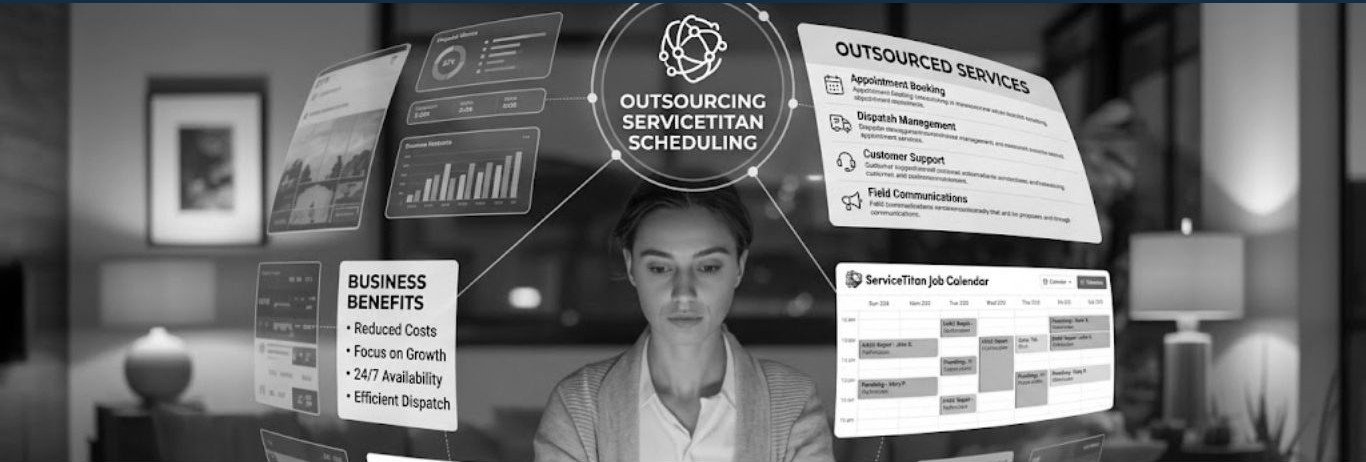
ServiceTitan runs the working day for a lot of repair and maintenance companies. Calls come in, jobs get booked, technicians get assigned, and the invoice comes out the other end. So when a contractor brings in outside help for scheduling, that help usually ends up working in the same system the office already uses.
This guide walks through how that works in practice. It covers the tasks that get handed over, how to set up access, what needs to be configured before the first shift, how to cover the hours you want covered, and what to look at each week to see whether it is going well.
An outsourced scheduler is a person who logs into your ServiceTitan account under their own username, with a role you control, and works the same Dispatch Board and Job Tray your office staff work. Everything they do lands in your account as it happens, under their name, so you can see it on the board the same way you see your own staff’s work.
Dispatching is part of the standard platform. ServiceTitan’s own documentation notes that dispatching is available to all customers with no additional subscription, so there is usually nothing extra to buy in order to add a scheduler. You are adding a user, not a product.
The platform is common enough in the trades that most experienced schedulers have seen it before. ServiceTitan reported about 10,800 active customers and $82.1 billion in gross transaction volume for its fiscal year ended January 31, 2026, and its SEC registration statement describes a customer base that spans more than ten trades and ranges from small family shops to companies invoicing over $1 billion a year.
Most contractors start with the parts of the day that are repetitive and time sensitive:
These tasks share a few things. They follow rules you can write down, they happen at a predictable volume, and someone has to do them while the phone is ringing.
A few decisions are worth keeping in house, at least at the start:
ServiceTitan’s default role settings already draw a similar line. By default, a Dispatcher can book, schedule, dispatch, and manage job workflow, but cannot view technician payroll, edit employee settings or passwords, or open accounting, marketing, or operations reports. That default is a reasonable starting point for an outsourced user.
Access setup takes about an hour and sets the terms for everything that follows.
Give every person their own login. Shared accounts make it impossible to tell who booked what, and they make offboarding messy.
Use a role, not a one-off setup. Roles live under Settings, People, Role Permissions. You can create a new role and set its permissions from scratch, which is useful if you want an outsourced scheduler to sit somewhere between the default CSR and Dispatcher roles. You can also adjust permissions for one person without changing the role everyone else uses.
Do not hand out Admin. An Admin can change settings and permissions for every user in the account. An outsourced scheduler does not need that level of access to book and dispatch jobs.
Turn on multi factor authentication for anyone logging in from outside your office.
Keep a record of permission changes. ServiceTitan includes a User Role and Permissions Audit Log report template that shows which permissions were enabled or disabled, who made the change, and when. Run it monthly and keep the report.
Remove access the same day someone leaves the account, whether they are your employee or the provider’s.
A scheduler can only follow rules that exist. ServiceTitan recommends setting up skills and business units before you start working the Dispatch Board, and the same preparation applies here. Before anyone takes a live call, write down:
Putting these in one document is the main piece of onboarding work, and it stays useful afterwards for training your own hires.
Coverage is usually the reason contractors look at outsourcing in the first place. A cold snap or a heat wave can double call volume for a week, and hiring for that week is not practical.
The labour picture makes the field side of this harder too. The U.S. Bureau of Labor Statistics projects employment of heating, air conditioning and refrigeration mechanics and installers to grow 8% from 2024 to 2034, with about 40,100 openings each year as workers retire or move on. When technicians are hard to replace, keeping the board full and the drive time low matters more.
Common coverage patterns:
Whichever pattern you pick, decide who owns the handoff between shifts. A short written summary at the end of each shift covering open jobs, promised callbacks, and anything unusual gives the next person what they need to pick up where the last one stopped.
Pick a few numbers before the first shift and look at them weekly. Useful ones:
Most of these can be pulled from ServiceTitan reporting. Agree on which report you are both looking at, so weekly reviews are about what the numbers say rather than where they came from.
A few items come up often enough to be worth checking for in the first month:
These are setup items. Most are settled by agreeing access levels and booking rules before the first live call, then reviewing both again after the first month.
Ask for specifics on each one. Providers who have run ServiceTitan accounts before will have direct answers about permissions, handoffs, and reporting.
If you are weighing this up, start by writing down your booking rules and deciding which hours you want covered. Those two things determine most of the rest.
For a broader look at how dispatch outsourcing works, including coverage models and how it fits alongside an in house office team, see our guide to dispatch outsourcing for repair and maintenance companies.